
Writing title tags and meta descriptions that get clicked
How to write page titles and descriptions for Google: length, structure, location, common mistakes and examples for trades, salons and restaurants.
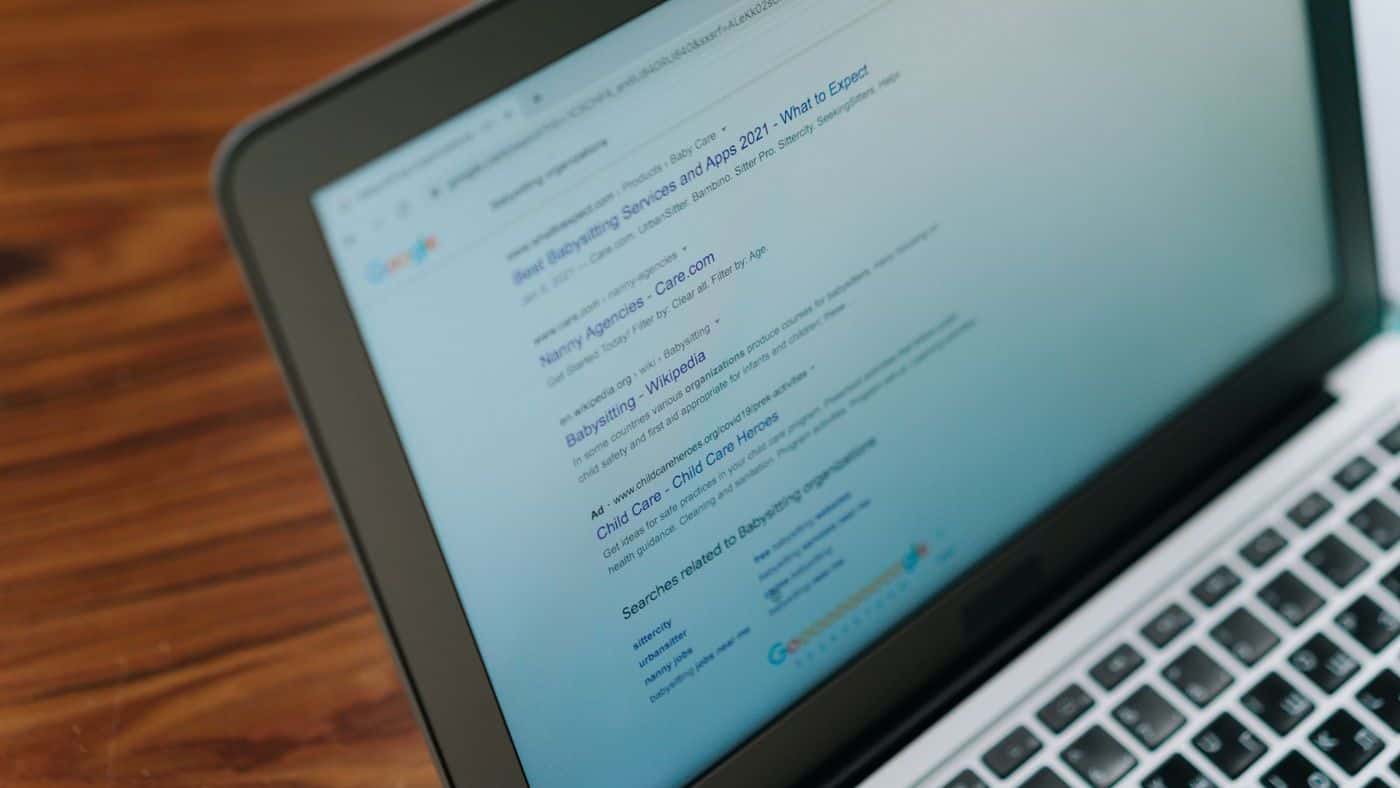
In search results, people first see two things from your page: a blue title and a short text below it. This is where they decide whether to click. You can influence both yourself.
What the title and description are
The title is stored in the source code of every page. It appears in the browser tab and usually as the heading in Google's results. The meta description is a short descriptive text that Google often shows as a snippet below the title.
Google can replace both with its own text if it considers that more suitable (source: developers.google.com/search/docs/appearance/title-link and /snippet). Good, honest texts are usually kept, though.
The title
- Every page gets its own title. Not "Home" everywhere, and not just the company name.
- The most important part first: service and location, then the name.
- Keep it short, Google cuts off long titles. There is no official character limit, a rule of thumb is about 50 to 60 characters.
- No strings of search terms. Google explicitly names keyword stuffing as a violation of its policies.
Examples with made-up names:
- Electrician in Ansbach: installation and inspection | Elektro Muster
- Hairdresser in Fürth: cuts, colour, appointments | Salon Beispiel
- Franconian cuisine in Erlangen | Gasthaus Muster
The meta description
- One or two sentences that say what the visitor will find on the page.
- As a rule of thumb about 120 to 160 characters, so nothing important gets cut off.
- A concrete reason to click: fixed price, emergency service, parking, online booking. But only if it is true.
- Mention the location if you work locally.
An example, the details of course have to match your business: "Electrical installation, renovation and inspections in Ansbach and the surrounding area. Get in touch by phone, WhatsApp or form."
Common mistakes
- The same title on every page.
- Title or description missing entirely, so Google puts something together itself.
- Promises the page does not keep. Anyone who does not find what was announced leaves immediately.
- Capital letters and character strings like "★★★ BEST ★★★".
How to check your pages
Enter site:yourdomain.com on Google. You will see which pages Google knows and how titles and descriptions appear. The free website check on this site also shows you whether your home page has a title and a description.
Frequently asked questions
Does a good description help rankings?
Not directly. According to Google, the meta description is not used for ranking. It does influence whether people click, though.
How often should I change titles?
Only when there is a reason, such as a new service or when Search Console shows many impressions but few clicks. Constant changes achieve nothing.