
SSL certificate and HTTPS: why your website needs it
What HTTPS is, why browsers mark sites without encryption as not secure and how to check in five minutes whether your website is set up correctly.
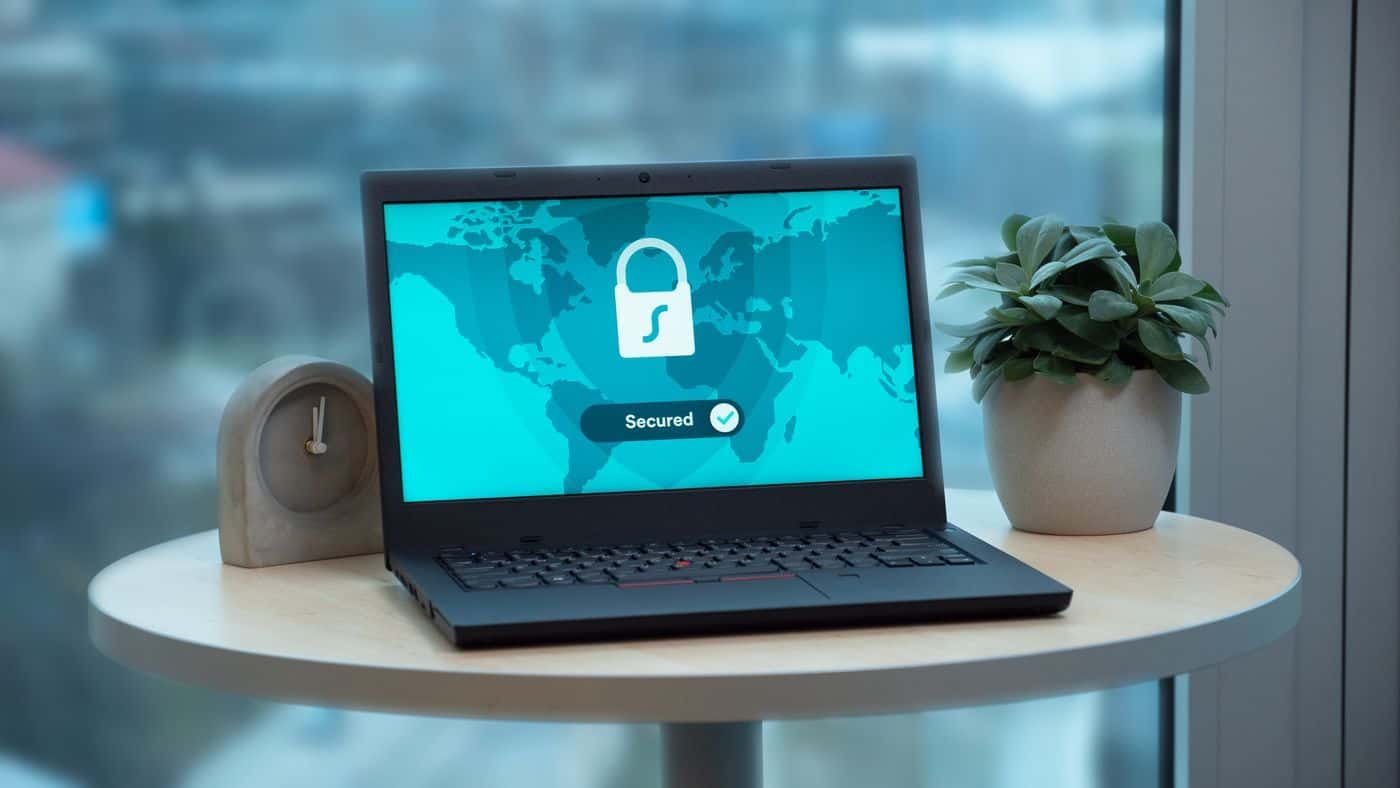
If the address bar shows "Not secure" next to your website, you lose trust before anyone has read the first sentence. The solution is called HTTPS, and in most cases it costs nothing.
What HTTPS means
HTTPS is the encrypted version of HTTP. Data between the browser and the server, for example a message from your contact form, cannot be read or changed along the way. For this the server needs a certificate. People usually call it an SSL certificate, technically today's method is called TLS.
Why it matters to you
- Browsers warn: since version 68 in 2018, Google Chrome marks all sites without HTTPS as "Not secure" (source: blog.google, "A secure web is here to stay").
- Google slightly prefers HTTPS: in 2014 Google announced that HTTPS is a ranking signal (source: developers.google.com/search/blog, "HTTPS as a ranking signal"). It is a small factor, but without HTTPS you give it away.
- Data protection: anyone who sends their name, phone number or request through your form transfers personal data. Art. 32 GDPR requires appropriate technical measures to protect it, and encrypted transmission is considered standard today. This is not legal advice.
What a certificate costs
For a normal business website, a free certificate from Let's Encrypt is enough. It encrypts just as securely as a paid one. Most hosts set it up with one click and renew it automatically. Expensive certificates with extended company validation bring a small business practically nothing, because browsers hardly show the difference anymore.
How to check your site
- Type your address with http:// in front. You should automatically end up on .
- Look at the symbol to the left of the address. If it says "Not secure", something is wrong.
- Check the version with and without www. Both should lead to the same https address.
- Open a subpage and the contact form. HTTPS must be active there too.
Common mistakes
- The certificate has expired because automatic renewal was not set up. Visitors then see a full-page warning.
- The site is reachable via HTTPS, but HTTP does not redirect. Then there are two versions of your site.
- Mixed content: the site runs on HTTPS but loads individual images or scripts over HTTP. The browser blocks them or shows a warning.
Frequently asked questions
Do I need HTTPS even without a contact form?
Yes. The browser warning appears regardless of whether you have a form. HTTPS also prevents anyone from changing the page along the way.
Does HTTPS make my site slower?
Hardly noticeably. Browsers only use the faster protocols HTTP/2 and HTTP/3 over encrypted connections. With HTTPS a site is often even faster.
How do I find out whether everything is right on my site?
The free website check on this site tests, among other things, whether HTTPS is active and whether HTTP redirects correctly.