
Good photos for your website: with your phone, no pro needed
How to take smartphone photos that look good on your website, and what to keep in mind regarding image rights, staff photos and stock images.
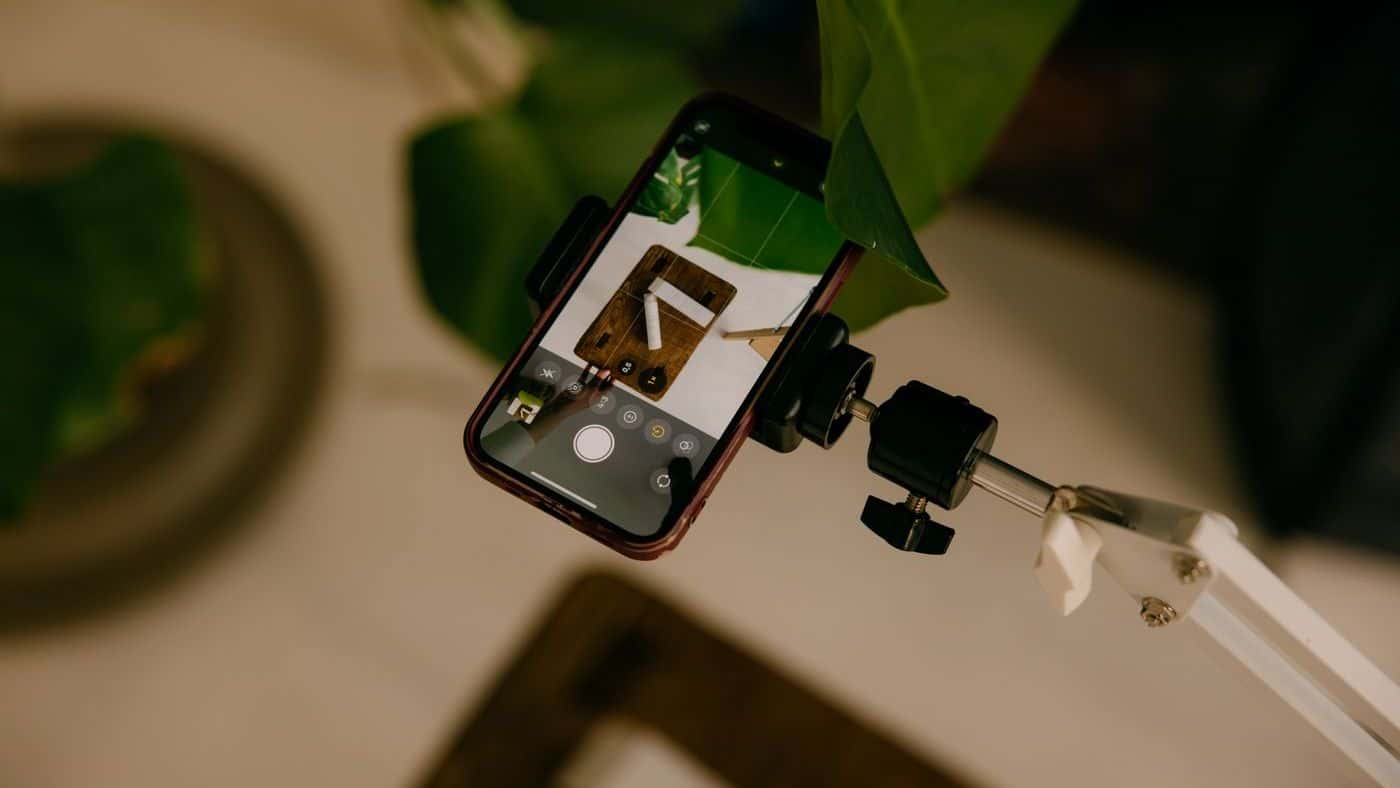
Real photos are one of the strongest arguments on a website. Customers want to see who is coming, what your work looks like and what your place looks like. A current smartphone is enough for this in most cases.
What you should photograph
- You and your team, friendly and in your work environment instead of in front of a white wall.
- Your work: finished projects, before and after, details.
- Your shop, your workshop or your vehicle.
- Work in motion: hands on tools, scissors in hair, a pan on the stove.
Seven tips for better phone photos
- Light: daylight from the side is ideal. No flash, no midday sun from above.
- Clean the lens. Sounds trivial, but it often makes the biggest difference.
- Landscape format for hero images and articles, portrait only where it is needed.
- A calm background. Tidy up first, cables and boxes stand out more in photos than in real life.
- Do not use digital zoom, move closer instead.
- Photograph people at eye level. From above they quickly look small.
- Take several shots and pick the best one later.
Rights to photos
In Germany you may only publish photos of people with their consent. This follows from the right to one's own image (§ 22 of the Art Copyright Act, KUG) and the GDPR. For employees, it is best to get consent in writing and point out that it can be withdrawn. For customer projects, such as a renovated bathroom, ask beforehand whether you may show the photos, especially if the home is recognisable. This is not legal advice.
Images from Google image search or other websites are off limits. They are protected by copyright, and warning letters over them can be expensive.
Stock photos: yes, but sparingly
Platforms like Pexels or Unsplash offer photos you may use for free, including commercially (licences at pexels.com/license and unsplash.com/license). Read the terms briefly anyway. For example, identifiable people may not be shown in a demeaning way. Stock photos suit general topics such as a blog article. They are no substitute for your work and your team, customers notice the difference.
Preparing photos for the website
A phone photo often has several megabytes. Uploaded directly, it slows the site down. Good websites automatically convert images into modern formats like WebP or AVIF and deliver the right size to every device. If your system cannot do that, shrink the images to about 2000 pixels wide beforehand.
Phones often store the location in the image file as well. Good systems remove this information when converting. Otherwise it is worth checking the settings of your camera app.
Frequently asked questions
Is a professional photographer worth it?
For team photos and a strong hero image, often yes. For ongoing project photos, your phone is enough. A mix of both works well for most businesses.
How many photos do I need?
For a one-pager, eight to fifteen good images are often enough. More important than the number is that they are real and current.